

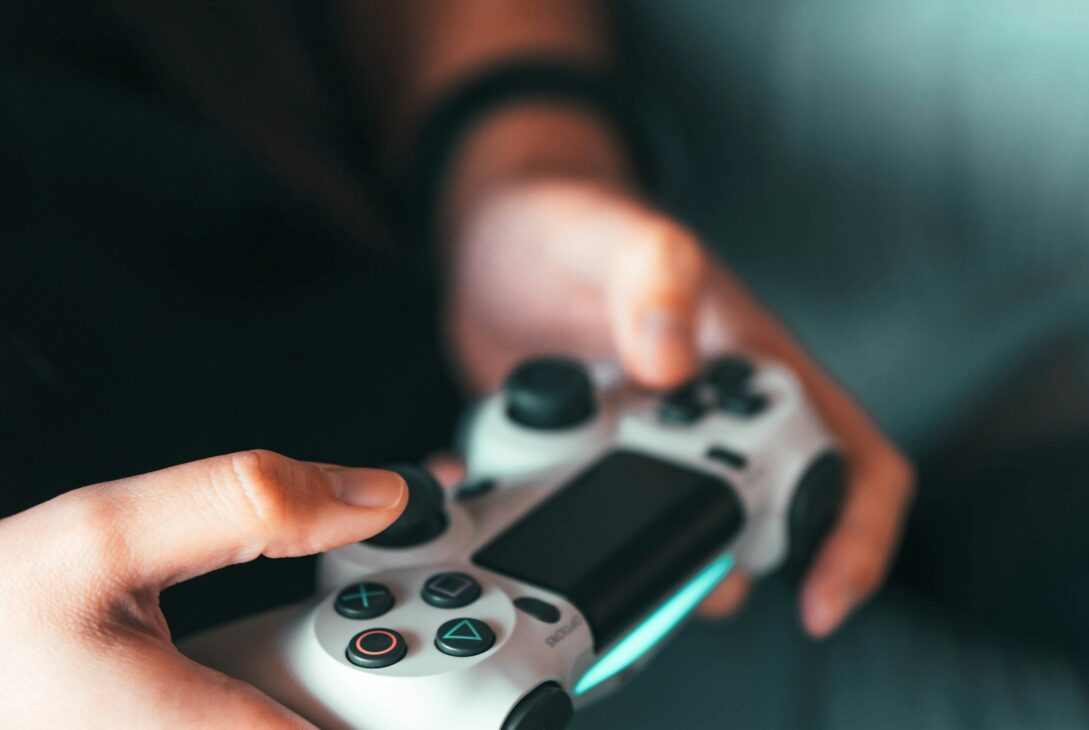
Imagine playing a demanding new game on an old laptop, a tablet or a budget phone, with no downloads and no expensive graphics card. That’s the promise of cloud gaming: the game runs on a powerful computer in a data center, and the video streams to your screen while your button presses stream back.
It has been “the future” for years, and in 2026 it’s finally good enough to use. But it comes with trade-offs that don’t show up in the advertising. Here’s how it works, who it suits and what to check before you subscribe.
How Cloud Gaming Works
- You press a button on your controller, phone screen or keyboard.
- That input travels over the internet to a server in a data center.
- The server runs the game, renders the image and compresses it into a video stream.
- The video comes back to your device, which simply decodes and displays it.
All of this happens in a fraction of a second. The heavy lifting is done remotely, so your device only needs to play video and send controls.
The Two Main Models
Library services
You pay a subscription and get access to a catalog of games, much like a streaming video service. Xbox Cloud Gaming (part of Xbox Game Pass tiers), PlayStation Plus Premium’s streaming and Amazon Luna work this way. The catalog rotates, and you don’t own the games.
Bring-your-own-games services
NVIDIA’s GeForce Now takes a different approach: you link accounts from game stores where you already own games, and the service lets you play them on powerful remote hardware. You’re paying for computing power instead of a game library, though not every title is supported.
What You Need
- A fast, stable connection. Published requirements vary by service. NVIDIA lists around 15 megabits per second for 720p at 60 frames per second and 25 for 1080p at 60, and asks for under 80 milliseconds of network latency to its data centers. Xbox recommends roughly 20 megabits, and Sony lists a floor of about 5 megabits to start, with about 13 to 15 for 1080p. Higher resolutions and frame rates need more.
- A compatible device. That could be a laptop, phone, tablet, smart TV, streaming stick, handheld or console, depending on the service.
- A controller. Many services support touch controls, but a gamepad is far more comfortable.
- A subscription, and in some cases your own game licenses.
Prices and plans change often. Free tiers with limited session lengths or queues exist on some services, and paid tiers typically cost roughly the price of one or two new games per year, month after month. Check each service’s current pricing page.
Latency: The Real Issue
Bandwidth is only half the story. What matters just as much is latency, the delay between pressing a button and seeing the result. Independent testing in 2026 suggests that the best services can feel responsive, with minimum delays in the tens of milliseconds, but real-world average delays are often higher, commonly 60 to 100 milliseconds or more. That’s fine for story games and many casual titles. It can be frustrating in fast shooters, fighting games and rhythm games where precise timing matters.
Latency depends on:
- Your distance from the nearest data center
- Your connection type and quality, especially Wi-Fi interference
- Congestion on your network or at peak hours
- The service’s own processing and encoding time
Who Cloud Gaming Suits
- People with older or modest hardware who want to play new games without upgrading.
- Players who travel or use several devices, and want the same games on a laptop, phone and TV.
- Casual and story-focused players, for whom a little latency doesn’t matter.
- Anyone curious about a game before buying, since streaming trials can be a low-risk test.
- People with limited storage space. Games don’t have to be downloaded.
Who Might Be Disappointed
- Competitive players, who want the lowest possible latency.
- People with slow, unstable or data-capped internet. Streaming can use many gigabytes per hour.
- Players who like owning their games. Library services can remove titles, and bring-your-own services depend on publishers allowing streaming.
- Anyone who dislikes subscriptions. Costs add up over time.
- Players of niche or very new games, which may not be available.
Things That Changed in 2026
This market moves quickly, and recent reports describe several shifts. Some services adjusted prices and tiers, GeForce Now introduced a monthly play-time cap on paid tiers, and Amazon reportedly scaled back Luna to a subscription-focused service by discontinuing its separate game store. Because plans, caps and catalogs change so often, read each provider’s current terms before committing.
Tips for a Better Experience
- Use a wired Ethernet connection if possible. If not, use a 5 GHz Wi-Fi network and sit close to the router.
- Close other bandwidth-hungry activities, such as large downloads or other people’s video streams.
- Pick the nearest server region when the service allows it.
- Test before you pay. Free tiers and trials let you check latency and image quality.
- Use a gamepad or controller with low-latency Bluetooth or a wired connection.
- Adjust quality settings to balance sharpness and smoothness for your connection.
- Check your internet plan’s data limits, especially for 4K streaming.
Cost and Value
To judge whether cloud gaming saves money, compare the total with the alternatives:
- Add up the subscription over a year, plus any games you need to buy.
- Compare with buying hardware, such as a console or new graphics card, which might last several years.
- Consider what you’d actually play. A big library is only valuable if it has games you want.
For occasional players, cloud gaming can be cheaper. For heavy players who enjoy owning their libraries, hardware might be better value over time.
Privacy, Safety and Family Use
- Check age ratings and parental controls on the service and the games.
- Review in-game purchases and spending limits, and avoid randomized paid items such as loot boxes.
- Be careful with online chat, and use privacy settings for children.
- Understand how the service handles your data and saved games.
Frequently Asked Questions
Can I play cloud games on a phone?
Often yes, using a browser or app, ideally with a Bluetooth controller and a good Wi-Fi or mobile connection.
Is cloud gaming as good as playing locally?
For many games, it looks and feels close. For fast, competitive games, local play still has the edge.
Do I own the games I stream?
It depends. On bring-your-own services you keep your game licenses. On library services you only have access while subscribed.
Will it work on mobile data?
It can, but it uses a lot of data and depends on signal quality. Check your data plan.
Conclusion
Cloud gaming has become a legitimate way to play, especially if your hardware is modest and your internet is strong. It isn’t a replacement for a console or PC for everyone. Before you subscribe, test your connection’s latency, try a free tier or trial and compare the real cost over a year.
Prices, catalogs, caps and technical requirements reflect reports from 2026 and may change. Confirm current details with each service before subscribing.