

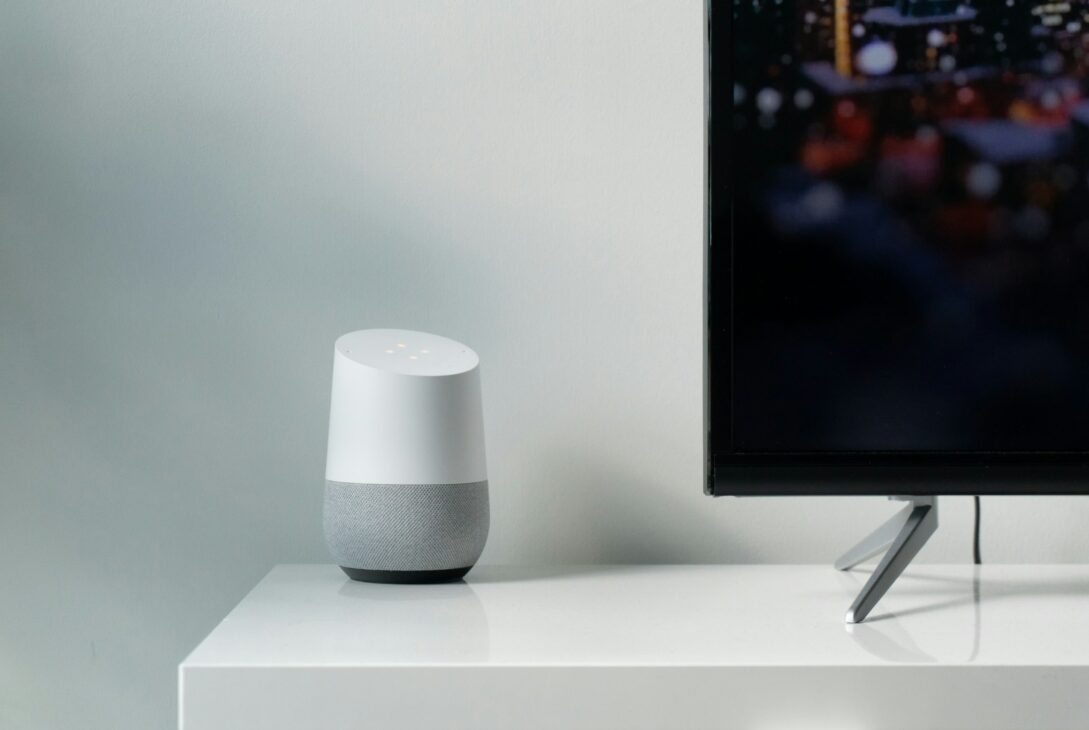
A smart home promises convenience: lights that turn on as you walk in, a thermostat that learns your routine, a door that locks itself. It also means a growing number of microphones, cameras and sensors sitting inside your private space, often reporting to servers you don’t control.
You don’t have to choose between convenience and privacy. With a few smart choices, you can build a home that works for you without constantly phoning home.
Start With the Principle: Keep Things Local
The biggest privacy question for any smart device is where the “thinking” happens. A cloud-dependent device sends commands and data to the manufacturer’s servers and back. A local device talks directly to your hub or phone inside your home network.
Local control has three advantages: less personal data leaves your house, devices keep working during internet outages, and responses are usually faster. Whenever you have a choice, favor devices that work locally and treat cloud features as optional extras.
Look for Matter and Thread
Matter is a shared smart home standard backed by the major platforms, including Apple, Google, Amazon and Samsung. It lets devices from different brands work together and is designed around local communication over your home network. It runs over Wi-Fi, Ethernet and a low-power mesh network called Thread.
Thread devices connect through a Thread border router, which is built into many recent smart speakers, displays and hubs. Buying Matter-certified devices gives you more freedom to switch ecosystems later and reduces lock-in to a single company’s cloud.
One caution: “Matter” doesn’t automatically mean “private.” Even a device that is controlled locally might still contact the manufacturer for updates or optional features. Academic researchers have begun testing the privacy and security of Matter devices in practice, a good reminder to look for independent reviews instead of relying on marketing claims.
Choose a Hub You Control
Your hub is the brain of your smart home. You have a few paths:
- A mainstream platform such as Apple Home, Google Home or Amazon Alexa. Easiest to set up, with varying degrees of cloud involvement. Review each platform’s privacy settings.
- An open-source local hub such as Home Assistant. It runs on hardware you own, keeps automations in your home, and supports a huge range of devices. It takes more effort to set up.
- A mix. Many people connect devices to a local hub for automations and also to a mainstream app for voice control, using Matter’s ability to work with multiple controllers at once.
Secure Your Network
Your smart devices are only as safe as the network they sit on.
- Change default passwords. Set a strong, unique password on your router and every device that has one.
- Separate your devices. Put smart gadgets on a guest network or a separate network segment, away from computers and phones with personal data.
- Update firmware. Turn on automatic updates and install router and device updates promptly.
- Turn off features you don’t use, such as remote access, cloud sharing and universal plug-and-play on the router.
- Use two-factor authentication on every account tied to your devices.
Be Choosy About Cameras and Microphones
These devices deserve the most caution.
- Keep cameras and microphones out of private spaces, such as bedrooms, bathrooms and areas where family members expect to be unobserved. Respecting guests’ and family members’ privacy matters as much as protecting your own data.
- Prefer cameras with local storage or end-to-end encryption instead of default cloud recording.
- Use physical privacy features such as mute switches and lens covers.
- Review voice assistant settings. Check whether recordings are stored, whether they’re used to improve services, and how to delete history.
- Consider whether you need a camera at all. A door sensor or video doorbell may meet your needs with less exposure.
Vet the Brands You Buy
Before buying, check:
- The privacy policy. What data is collected, who it’s shared with and how long it’s kept?
- The update promise. How many years of security updates will the maker provide?
- Offline operation. Does the device work without an account or internet connection?
- Reputation. Be wary of very cheap, unknown brands with no support history.
- Independent reviews that test network behavior and security.
A Simple Starter Setup
- Pick a hub that supports Matter and Thread.
- Start with low-risk devices: smart plugs, bulbs, motion and door sensors, a thermostat.
- Create a separate network for smart devices.
- Set up automations that run locally, such as lights on motion or heating schedules.
- Add cameras or voice assistants last, once you’re comfortable with your setup, and review their privacy settings carefully.
A Quick Privacy Audit
Every few months, do a short check:
- Remove devices and accounts you no longer use.
- Check the list of devices connected to your router for anything unfamiliar.
- Review app permissions on your phone, including location and microphone access.
- Delete old recordings and voice history.
- Install pending updates.
Frequently Asked Questions
Do I need technical skills for a private smart home?
Not for a basic setup. Mainstream platforms with careful settings can be quite private. Open-source hubs give more control but require patience.
Are voice assistants always listening?
They listen for a wake word locally, and recording policies vary by company. Check your assistant’s settings, use mute switches and review stored history.
Is a smart home safe from hackers?
No system is perfectly safe, but strong passwords, updates, network separation and reputable brands lower the risk considerably.
What if my devices only work with the cloud?
You can still use them, but treat them as higher risk: isolate them on a separate network, limit permissions and consider replacing them over time.
Conclusion
A private smart home comes down to a few habits: prefer local control, secure your network, be selective about cameras and microphones, and buy from brands that respect your data. Start small this week by moving your existing smart devices to a separate network and checking their privacy settings.