

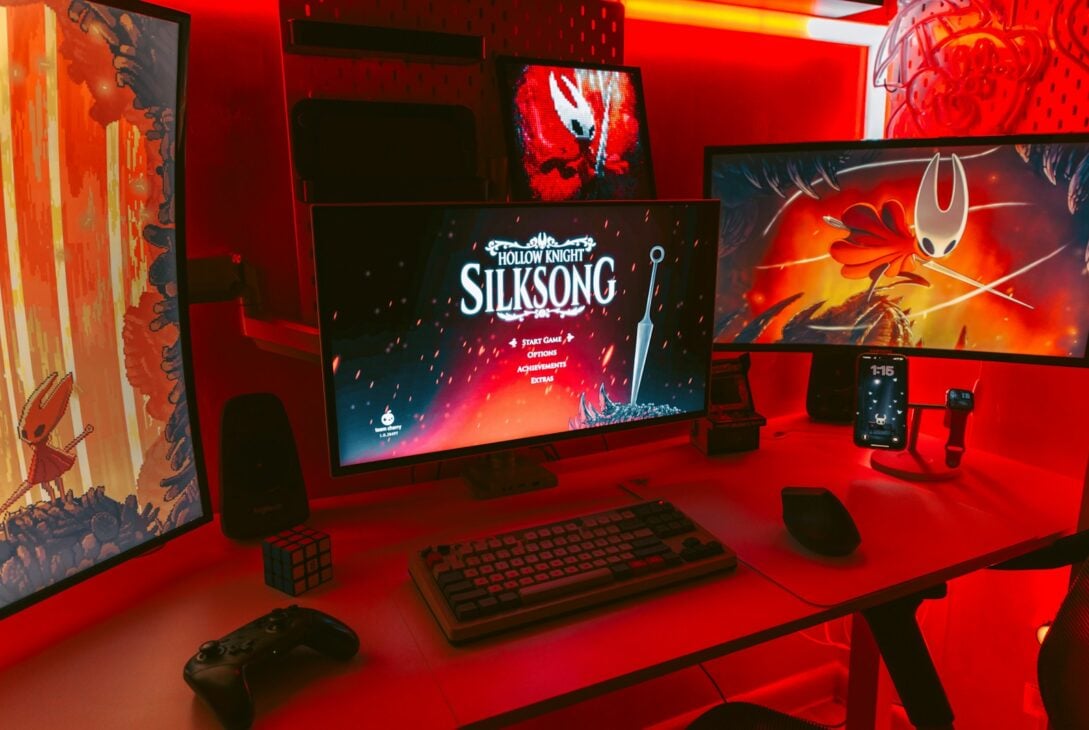
Some games never seem to die. Years after release, players are still downloading new maps, fixing old bugs, adding new quests or giving classic titles a modern facelift. Behind that long life is a quiet army of fans who modify games for free, simply because they love them.
These player-made changes are called mods, and they’ve shaped gaming history more than most people realize. This guide explains what mods are, why they matter and how to try them safely.
What Is a Mod?
A mod, short for modification, is a change made to an existing game by players or independent creators. Mods can be small, such as a new hairstyle or a tweaked menu, or enormous, such as a complete overhaul that turns one game into another.
Common types include:
- Bug fixes and community patches: unofficial fixes for issues the developer never repaired.
- Quality-of-life mods: better menus, inventory tools, camera options or faster loading.
- Visual mods: higher-resolution textures, lighting improvements and new character models.
- Content mods: new quests, characters, weapons, locations or story lines.
- Accessibility mods: subtitle improvements, colorblind options or control changes that make games easier to play.
- Total conversions: mods that rebuild the game into something entirely new.
How Mods Changed Gaming
Some of the biggest names in gaming began as mods:
- Counter-Strike started as a fan-made modification of Half-Life, then grew into one of the most successful multiplayer series in the world.
- Defense of the Ancients (DotA) began as a custom map for Warcraft III and helped create the entire MOBA genre.
- Garry’s Mod started as a sandbox tool for the Source engine and became a popular game in its own right.
Mods have launched careers too. Many professional developers got started making mods, learning design, art and programming by changing games they loved. Studios often watch modding communities closely for talent and ideas.
Why Mods Matter
They extend a game’s life
New content and fixes keep players coming back long after official updates stop. Some older games stay relevant because modders keep them working on modern computers.
They preserve games
When official support ends, community patches can fix compatibility issues with new operating systems, add widescreen support or restore features. That helps keep older games playable.
They let players express creativity
Modding is a form of fan art, storytelling and engineering. Creators build things the original developers never planned.
They improve accessibility
Some mods add options that developers didn’t include, such as larger text, improved contrast or alternative controls.
Where to Find Mods
- Built-in workshops: some platforms offer in-game mod browsers or services like Steam Workshop, where you can subscribe to mods with one click.
- Dedicated mod sites: large communities such as Nexus Mods host mods for many games, usually with descriptions, version information, user comments and installation instructions.
- Game communities and forums: fans often share recommendations and curated lists.
- Official mod tools: some games ship with editors or support that make modding easier.
Use reputable sources, and avoid downloads from unknown sites.
How to Start Modding Safely
- Check that the game supports mods. Some games welcome them, others restrict them, and a few don’t work with them at all.
- Back up your saves and game files. This lets you recover if something goes wrong.
- Start with one or two mods. Install, test and make sure the game still runs before adding more.
- Read the instructions. Mod pages list requirements, compatible versions and installation steps. Follow them carefully.
- Use a mod manager. Tools such as Vortex or Mod Organizer 2 make installing, updating and removing mods easier and help track conflicts.
- Check compatibility and load order. In some games, the order in which mods load matters. Guides and tools can help you sort it out.
- Add mods gradually. If something breaks, you’ll know which change caused it.
- Keep notes. Write down what you installed and when, so troubleshooting is easier.
Safety and Security
Mods are files created by strangers, so treat them with care.
- Download from well-known sites with active communities and user reviews.
- Be wary of executable files, installers that ask for unusual permissions and mods that promise “free” paid content.
- Keep your antivirus and operating system updated.
- Read comments for reports of problems.
- Don’t share login details or personal information with mod tools.
Mods and Online Play
Using mods in online multiplayer can trigger anti-cheat systems and lead to bans. Many games separate modded and unmodded modes, or limit which mods work online. Always check the game’s rules before connecting to official servers with modified files. If in doubt, stick to mods designed for single-player or community servers that allow them.
Respect the Rules and the Creators
- Follow the game’s terms of service and the modder’s usage rules.
- Don’t pirate games. Mods are meant to work with legally obtained copies.
- Credit authors if you share or build on their work, and ask permission when required.
- Be thoughtful about paid mods. Some platforms have experimented with selling mods, which has sparked debate in the community. Support creators in ways that respect the rules of the platform.
- Check content ratings. Some mods add mature or inappropriate content. If children play on your account, use filters and review mods before installing them.
Troubleshooting Common Problems
- Game won’t start after installing a mod. Disable the newest mod, check version requirements and verify the game files through your platform.
- Crashes during play. Look for conflicts between mods, outdated mods after a game update or a wrong load order.
- Performance drops. High-resolution textures and lighting mods can slow weaker computers. Remove or lower settings.
- Save files break. Some mods change save data. Keep backups and read the mod’s notes about removal.
Want to Make Your Own?
You don’t need to be a programmer to begin. Many games include simple tools for building maps or editing items. Start small: change a texture, tweak a stat or build a tiny level. Tutorials and communities can help you learn skills such as scripting, 3D modeling and level design. Even a small first mod teaches a surprising amount about how games work.
Frequently Asked Questions
Are mods legal?
Generally, yes, when they follow the game’s terms and don’t distribute copyrighted material. Rules vary by game and publisher, so check the specifics.
Can mods damage my computer?
Reputable mods from trusted sites are usually safe, but any download carries some risk. Use caution and keep security software updated.
Do mods work on consoles?
Some console games support mods through official channels, though options are more limited than on PC.
Will mods get me banned?
They can in online games with anti-cheat. Single-player mods rarely cause problems, but read the rules first.
Conclusion
Mods turn games from finished products into living projects shaped by their communities. If you’ve been meaning to try them, pick a single-player game you love, back up your saves and add one well-reviewed mod. You might find your old favorite feels brand new.